Description
In a Filipino wedding, your ninang and ninong are more than guests. They stand beside you, sign as witnesses, and stay part of your married life for years. Asking them deserves more than a quick message, so these cards let you ask properly, with a question on the front, a heartfelt note inside, and a little tag for a gift.
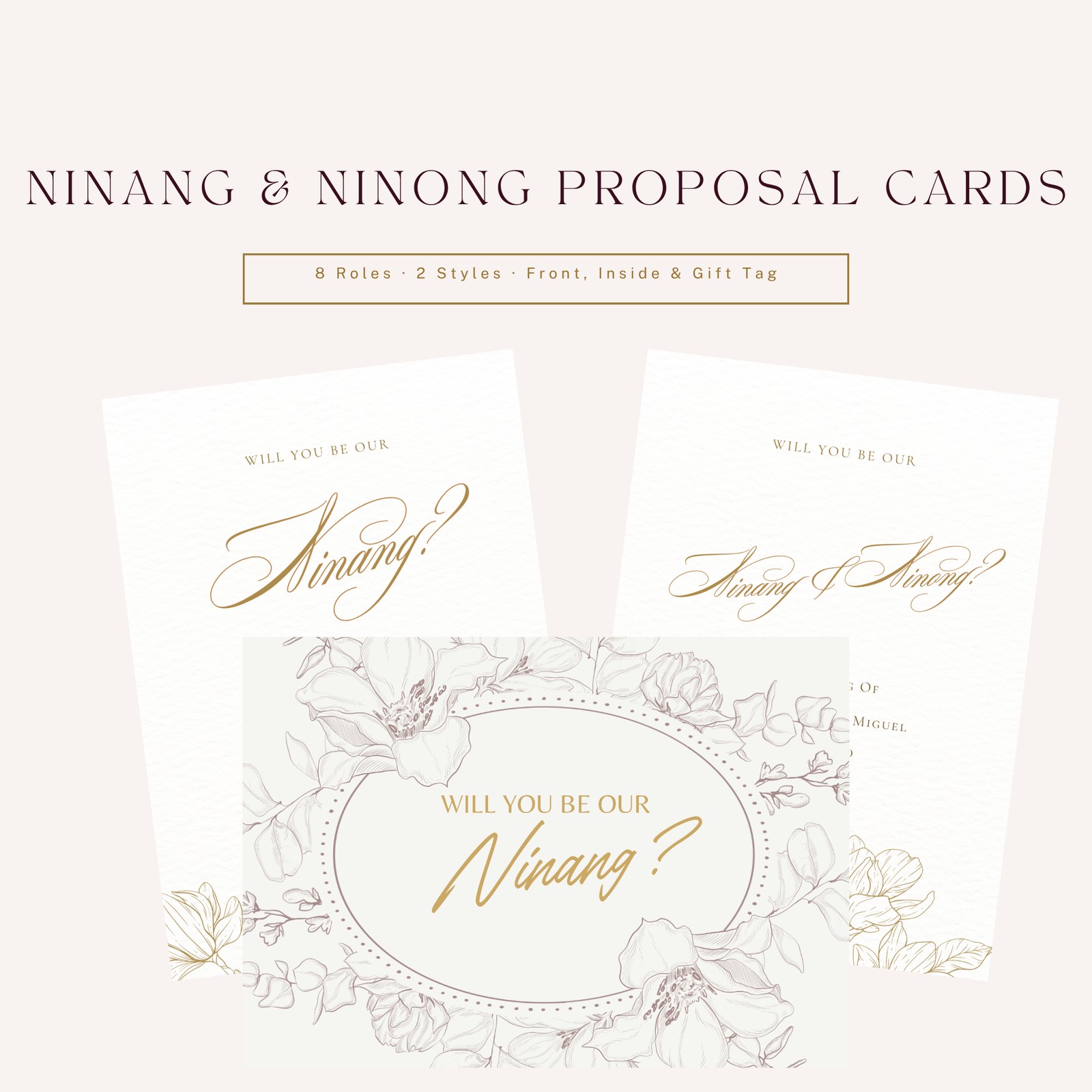
There's a card for each sponsor role: Ninang, Ninong, Principal Sponsors (for asking a ninang and ninong together), and the secondary sponsors who handle the veil, cord, coins and candles, plus a Secondary Sponsors card for asking them as a group. The messages are written for Filipino families, each with a short Tagalog line like "Salamat po sa inyong pagmamahal at gabay."
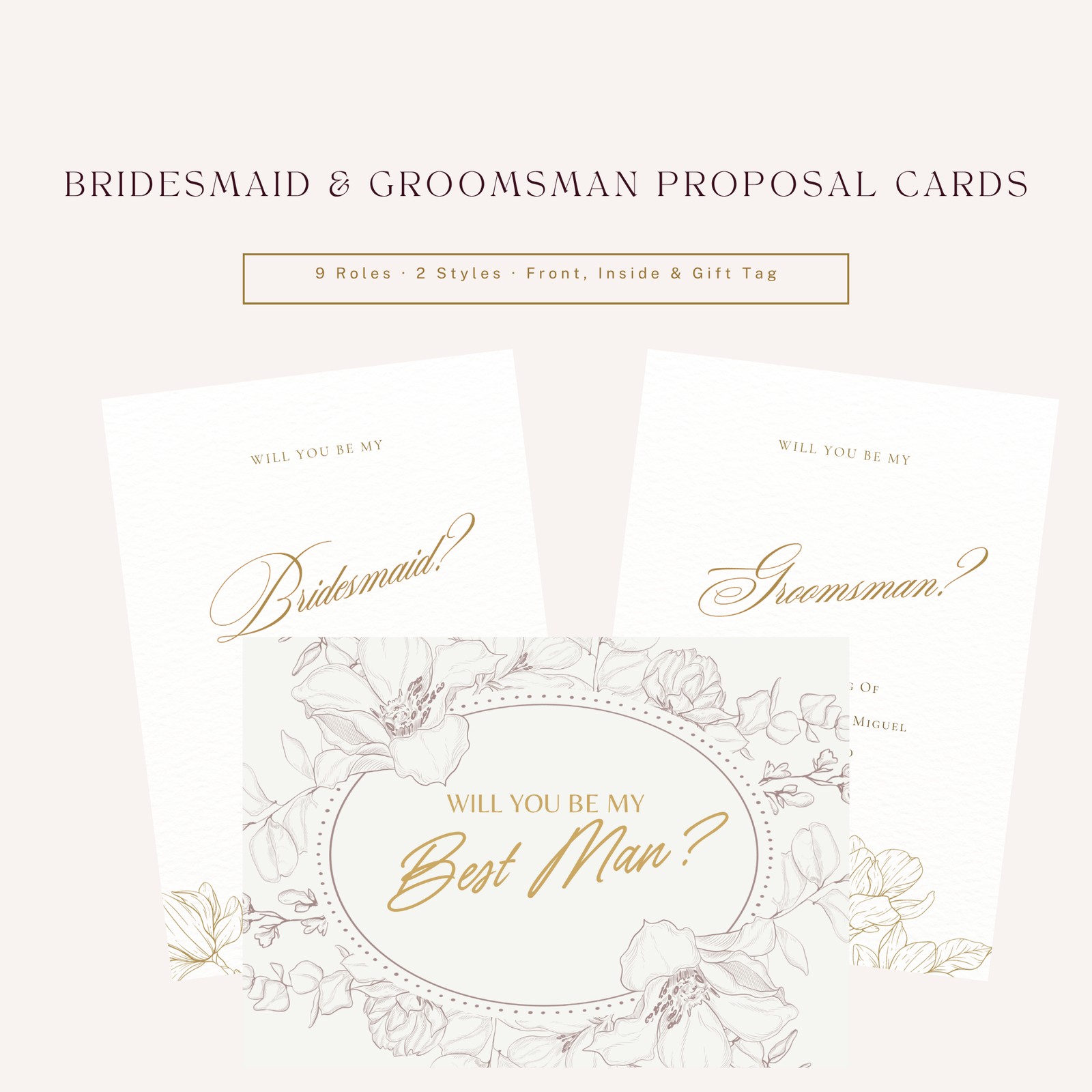
Choose from two styles. Ivory Fineline has soft line-art flowers around an oval frame, with gold script lettering on ivory, on a landscape card. White & Gold Lineart has gold line-art flowers along the bottom of a soft white card, with flowing calligraphy, on a portrait card, with the couple's names and date on the front.
Every piece comes with its own Canva template link. Open the link, click "Use template", and Canva gives you your own copy. Change the names, the date and the message to yours, then download it as a PDF for printing or a PNG for sending. The Customization Guide walks you through it step by step. The PNGs in the download show example names (Ana & Miguel, writing to people like Tita Carmen and Tito Ben) so you can see the finished look; they aren't your details.
The cards are A6 and about 300 dpi. They have no bleed or crop marks and haven't been checked as print-ready, so if you print, ask your printer for a test print and to add bleed. There's no photo spot in these designs, but the guide shows how to add one in Canva if you'd like.
What's in the download
- Ivory Fineline: 8 roles × front, inside message and gift tag (24 PNGs)
- White & Gold Lineart: 8 roles × front, inside message and gift tag (24 PNGs)
- 48 Canva template links, one per piece (in a separate links file and in the Customization Guide)
- Read-me
- Personal Use License
- Customization Guide (step-by-step editing in Canva, plus printing tips)
All in one ZIP file.
The eight roles
Both styles have the same 8 roles, each with three pieces:
- Ninang: front, inside message, gift tag
- Ninong: front, inside message, gift tag
- Principal Sponsors: front, inside message, gift tag
- Veil Sponsor: front, inside message, gift tag
- Cord Sponsor: front, inside message, gift tag
- Coin Sponsor: front, inside message, gift tag
- Candle Sponsor: front, inside message, gift tag
- Secondary Sponsors: front, inside message, gift tag
48 pieces in all (24 per style).
Format and size
Canva template links (edit your own copy in Canva), plus high-resolution PNG images showing the designs with example names.
- Ivory Fineline card: A6 landscape, 148 × 105 mm (about 5.8 × 4.1 in), PNG 1748 × 1240 px. Gift tag: 3.5 × 2.5 in (88.9 × 63.5 mm), landscape, PNG 1050 × 750 px.
- White & Gold Lineart card: A6 portrait, 105 × 148 mm (about 4.1 × 5.8 in), PNG 1240 × 1748 px. Gift tag: 2.75 × 3.875 in (about 69.9 × 98.4 mm), portrait, PNG 825 × 1163 px.
- About 300 dpi. No bleed, no crop marks.
How to use
- Download and unzip the files.
- Open the style folder you like and find the roles you need.
- Open the Canva template link for each piece and click "Use template" to get your own copy.
- Change the example names, date and message to yours, then download as PDF Print or PNG.
- If you print, ask for a test print first, since the designs have no bleed and haven't been checked as print-ready.
Who it's for
- Couples planning a Filipino wedding who want to ask their principal and secondary sponsors in a thoughtful way
- Couples putting together a small gift box or envelope for each ninang and ninong
- Couples who want to edit their own cards in Canva
- Coordinators helping a couple prepare sponsor invitations (for that couple's own wedding)
FAQ
Can I change the names and message? Yes, in Canva. Each piece has a template link. Open it, click "Use template" to get your own copy, and type over the example text. Ana & Miguel and the other names in the download are examples.
Do I need Canva? Yes, to edit. You'll need a Canva account to open the links; a free account is enough to sign in and get your copy.
Is there a card for each secondary sponsor? Yes: Veil, Cord, Coin and Candle Sponsor each have their own card, and there's a Secondary Sponsors card for asking them together.
Can I add a photo? There's no photo spot in these designs; they're lettering and line art only. In your Canva copy you can add one: go to Elements, search "frames", drag a frame onto the card, then drag your photo into it. The guide explains how.
Are they print-ready? They haven't been checked as print-ready. They have no bleed or crop marks. Ask your printer for a test print, and to add bleed if the cards will be trimmed. When you download from Canva, choose PDF Print.
Can I send them online instead of printing? Yes. Download your edited copy as a PNG and send it on Messenger, Viber or email.
Can I mix the two styles? Yes, for your own wedding.
I need help. Who do I contact? Email support@wedplanner.ph.
License
Personal use only, for one couple's own wedding. You may edit your own Canva copies, use, send and print the cards for your own wedding, and have a print shop or coordinator prepare them for you. You may not resell, share, upload or give away the files or template links, or use the designs in products or services for others. All designs remain the property of WedPlanner PH.