GCash Wedding Gifts: The Modern Filipino Couple's Guide to Digital Cash Registries
By WedPlanner Team
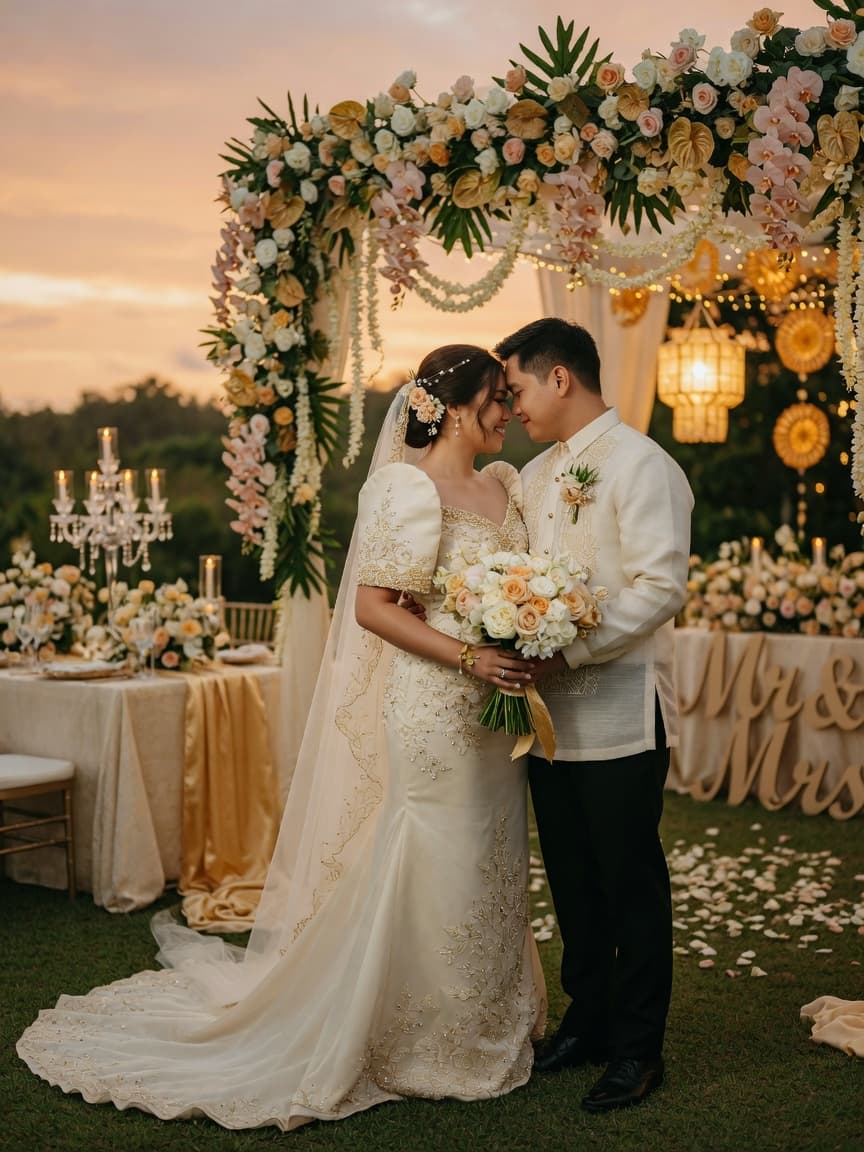
A complete guide for Filipino couples setting up GCash and Maya digital gift channels for their wedding — step-by-step setup with QR codes, cultural etiquette for requesting cash gifts, side-by-side platform comparison, and copy-paste invite wording in English, Taglish, and formal Filipino-English.
GCash Wedding Gifts: The Modern Filipino Couple’s Guide to Digital Cash Registries
If you’re planning a Filipino wedding in 2026, you’ve probably noticed: the era of gift registries is quietly retiring. Couples today want cash — not clutter — and honestly, your guests feel the same way. Modern Filipino couples are turning to digital cash registries — GCash and Maya (formerly PayMaya) — to make wedding gifts simpler, faster, and more practical. Whether it’s Ninong sending his abuloy via GCash or Ninang transferring her gift through Maya on the way to the reception, digital wallets are now part of how Filipinos celebrate love.
This guide covers everything: step-by-step GCash and Maya setup, a side-by-side comparison, the etiquette of requesting cash gifts gracefully, copy-paste wording for your invites, and reception-day logistics like QR signage and message cards. Let’s dive in.
Why Digital Cash Registries Make Sense in 2026
Wedding costs in the Philippines in 2026 can easily run PHP 150,000–500,000+. A realistic wedding budget covers the caterer, photographer, venue — and cash gifts from guests help couples offset those real expenses rather than accumulating items they may never use. That mixer from the department store registry? It’s gathering dust. Your honeymoon fund? That’s building memories.
Beyond practicality, there’s a deep Filipino tradition of abuloy — monetary contributions at life milestones. Ninongs and ninangs, principal sponsors, and close family have always slipped cash envelopes during ceremonies. Digital wallets don’t replace this tradition; they modernize it. No ATM runs, no lost envelopes, no rushing to exchange cash between church and reception.
The 2026 shift is simple: couples are choosing experiences over things, and guests prefer giving cash they know will be used meaningfully. With over 80 million Filipinos on GCash alone, you’re not asking anyone to learn something new — you’re just pointing them to what’s already in their pocket.
Setting Up Your GCash Wedding Gift Channel
GCash makes receiving wedding gifts straightforward. Here’s the step-by-step:
- Download or open GCash — Get it from the App Store or Google Play. If you already have it, make sure the app is updated.
- Complete Verified status — Go to Profile > Verify Account. Submit a valid government ID (passport, driver’s license, UMID). Verification is critical — it unlocks the PHP 500,000 wallet limit you’ll need for meaningful gift volume.
- Access the Receive Money feature — Tap “Pay QR” at the bottom, then switch to “Receive.” This brings up your personal QR code.
- Save your QR image — Tap “Save QR” to store it in your gallery. This is the image you’ll share on invites, your wedding website, and reception signage.
- Copy your GCash number — Your registered mobile number is your GCash handle. Share it as:
GCash: [Full Name] — 0917xxxxxxx - Test with a PHP 1 transfer — Have your partner or a family member send PHP 1 to confirm the flow works before sharing with guests.
Key limits: Unverified accounts cap at PHP 10,000 — not enough for wedding gifts. Verified accounts get PHP 500,000 max wallet, PHP 50,000 per inbound transaction. Transfers arrive free within seconds via InstaPay.
Setting Up Your Maya Wedding Gift Channel
Maya (the renamed and expanded PayMaya) offers a similar flow with a few differences worth noting:
- Download Maya — Available on iOS and Android. Register with your mobile number.
- Get Fully Verified — Submit a valid government ID and complete the selfie verification. Maya’s verification unlocks the same PHP 500,000 wallet limit.
- Generate your Receive QR — Tap “Receive” on the home screen, then “Share QR” and save the image. Maya also lets you generate a shareable payment link, which can be handy for digital-only invites.
- Note your registered name — Guests need your full name as registered on Maya to complete a transfer. Include it clearly:
Maya: [Full Name] — [Number] - Enable Maya Savings (optional) — Turn this on to earn up to 6% per annum on gifts that stay in your wallet. A nice bonus if you’re not spending everything immediately after the wedding.
Key limits: Basic accounts cap at PHP 50,000. Verified accounts reach PHP 500,000 wallet with PHP 100,000 per transaction — double GCash’s single-transaction ceiling. Maya-to-Maya transfers are free, and bank withdrawals cost PHP 8–15.
GCash vs Maya: Side-by-Side Comparison
Here’s how the two platforms stack up so you can decide which — or both — to set up:
| Feature | GCash | Maya |
|---|---|---|
| User base | 80M+ (widest reach) | 44M+ (fastest growing) |
| Max wallet (Verified) | PHP 500,000 | PHP 500,000 |
| Max per transaction | PHP 50,000 | PHP 100,000 |
| QR generation | Free (Pay QR > Receive) | Free (Receive > Share QR) |
| Share link available | Limited | Yes (direct payment link) |
| P2P transfer fee | Free | Free |
| Bank withdrawal fee | PHP 15 flat | PHP 8–15 (InstaPay) |
| Cash-out at partners | 1–2% fee | 1–4% fee |
| Savings interest | Up to 2.5% p.a. (GSave) | Up to 6% p.a. (Maya Savings) |
| Ease for older guests | Very easy (most widely known) | Moderate (growing awareness) |
Our recommendation: Set up both. GCash covers the widest audience — Titas and Titos who’ve used GCash for years — while Maya handles larger single gifts from principal sponsors with its PHP 100,000 per-transaction limit and offers better savings interest. Two QR codes take five extra minutes; no guest gets left out.
The Etiquette of Asking for Cash Instead of Gifts
This is where cultural sensitivity matters most. In Filipino tradition, directly asking for money can feel makapal — too forward. But the abuloy tradition is already deeply embedded: extended family and sponsors expect to give cash. The shift is about how you ask, not whether you should.
The Abuloy Framing
Frame digital gifts as a modern extension of the abuloy tradition. Principal sponsors, ninongs, and ninangs have always contributed cash during ceremonies. Digital wallets just give them a more convenient channel — no scrambling for envelopes before mass, no worrying about losing cash between church and reception. Position your request not as “we want your money” but as “we’ve made it easier for you to give if you wish.”
Do’s and Don’ts
Do: Lead with gratitude for their presence. “Your presence is the greatest gift.” Mention a meaningful goal like saving for your first home. Explain that you’re skipping traditional registries to reduce waste.
Don’t: List price ranges or minimum amounts. Never imply cash is required to attend. Don’t frame it as an entry fee.
How a Digital Ask Differs from Tradition
In a traditional Filipino wedding, guests normally bring envelopes stuffed with cash, or pin bills on the couple during the money dance. A digital ask shifts the timing — guests can send gifts days before or after the wedding — and removes the awkwardness of figuring out how much to put in an envelope. It also makes it easier for overseas-based family to contribute directly without sending cash through relatives.
Speak to your sponsors privately first. A personal message to each ninong and ninang explaining your digital setup helps those who might be less tech-comfortable. Offer to walk them through the QR code if needed.
Invite Wording Examples (Copy-Paste Ready)
Five variants covering English, Taglish, and formal Filipino-English for different invite styles:
Option 1: Warm Formal English (Printed Invites)
“Your presence at our wedding is the greatest gift we could ask for. Should you wish to bless us further, a monetary contribution toward our future home would be deeply appreciated. For your convenience, we have set up digital gift channels:
GCash: [Name] — [Number]
Maya: [Name] — [Number]Our QR codes are also available on our wedding website. Thank you for being part of our journey.”
Option 2: Casual English (Digital Save-the-Date)
“We’re registered at the registry of practical love — no blenders, no linens, just cash gifts to help us build our future. GCash and Maya details are on our wedding website. Thank you for celebrating with us!”
Option 3: Taglish (General Invite)
“Ang pinakamagandang regalo ay ang presensya ninyo sa aming kasal — pero kung gusto niyo pa ring magbigay, mas magpapasaya sa amin ang cash gift para sa aming future plans. Simple lang at convenient pa!
GCash: [Name] — [Number]
Maya: [Name] — [Number]Pwede niyo rin i-scan ang QR code namin sa wedding website. Maraming salamat, mga mahal namin!”
Option 4: Taglish (Short for Group Chats)
“Excited na kami for the big day! Kung gusto niyo po magbigay ng gift, mas makakatulong sa amin ang cash for our future plans. Narito ang GCash at Maya details namin:
GCash: [Name] — [Number]
Maya: [Name] — [Number]QR code nasa website. Salamat po sa lahat ng supporta!”
Option 5: Formal Filipino-English (Ninong/Ninang Message)
“Mahal naming Ninong/Ninang [Name], malaking karangalan po naming kayo ay maging bahagi ng aming kasal. Kung nais po ninyong magbigay ng abuloy, nag-set up po kami ng GCash at Maya para sa mas madaling paraan. Maaari po kayong mag-send diretso sa:
GCash: [Name] — [Number]
Maya: [Name] — [Number]Ang QR code ay nasa aming wedding program din po. Maraming salamat po sa inyong suporta at pagmamahal!”
Reception-Day Logistics: QR Codes, Signage & Program Flow
Displaying QR Codes
Print your GCash and Maya QR codes on 4×6 inch cards placed at the gift table and registration area. Use a small acrylic or wooden frame for a polished look. Include a brief sign:
“Thank you for your love and support! If you’d like to give a digital cash gift, scan our GCash or Maya QR below. — [Couple’s Names]”
Message Cards
Place blank message cards next to the QR display for guests who want to leave a note alongside their digital transfer. A completed QR scan and a handwritten card make for a lovely keepsake.
Program Flow
Include a brief mention in the wedding program: “Gift QR codes are available at the reception table and on our wedding website.” Avoid making the main entrances or ceremony part of the wedding about gifts — keep it subtle and at the reception only.
The Money Dance
The Filipino pera sa sayaw tradition works beautifully alongside digital gifts. Put up a small sign: “Prefer to send digitally? Scan our GCash QR — it’s in the program! Bills and digital, we love both.”
Real-Name Verification Reminder
Both GCash and Maya require the sender to input the recipient’s registered full name before completing a transfer. Include both partners’ full names in all your gift instructions so guests can verify they’re sending to the right account.
Putting It All Together
A digital cash registry with GCash and Maya is convenient for guests, practical for couples, and culturally respectful. It modernizes the abuloy tradition without losing its heart — giving becomes easier, not colder.
Here’s your quick checklist: set up both GCash and Maya, get verified, save both QR codes, include clear wording in your invites, display QR signs at your reception, and thank every guest whether they gave digitally or by envelope. The best wedding gifts aren’t measured in pesos — they’re measured in the people who show up to celebrate your love.
Need more planning help? Download our Filipino wedding checklist, use the wedding budget calculator, and explore our ninong and ninang invitation wording guide for your sponsors.